
Once you've created a Project, you'll want to ensure that the appropriate users have access to it. Only those users with a Project Role of Manager or higher will have access to all Projects automatically. All other users must be given specific access to the Projects they'll need by following these steps:
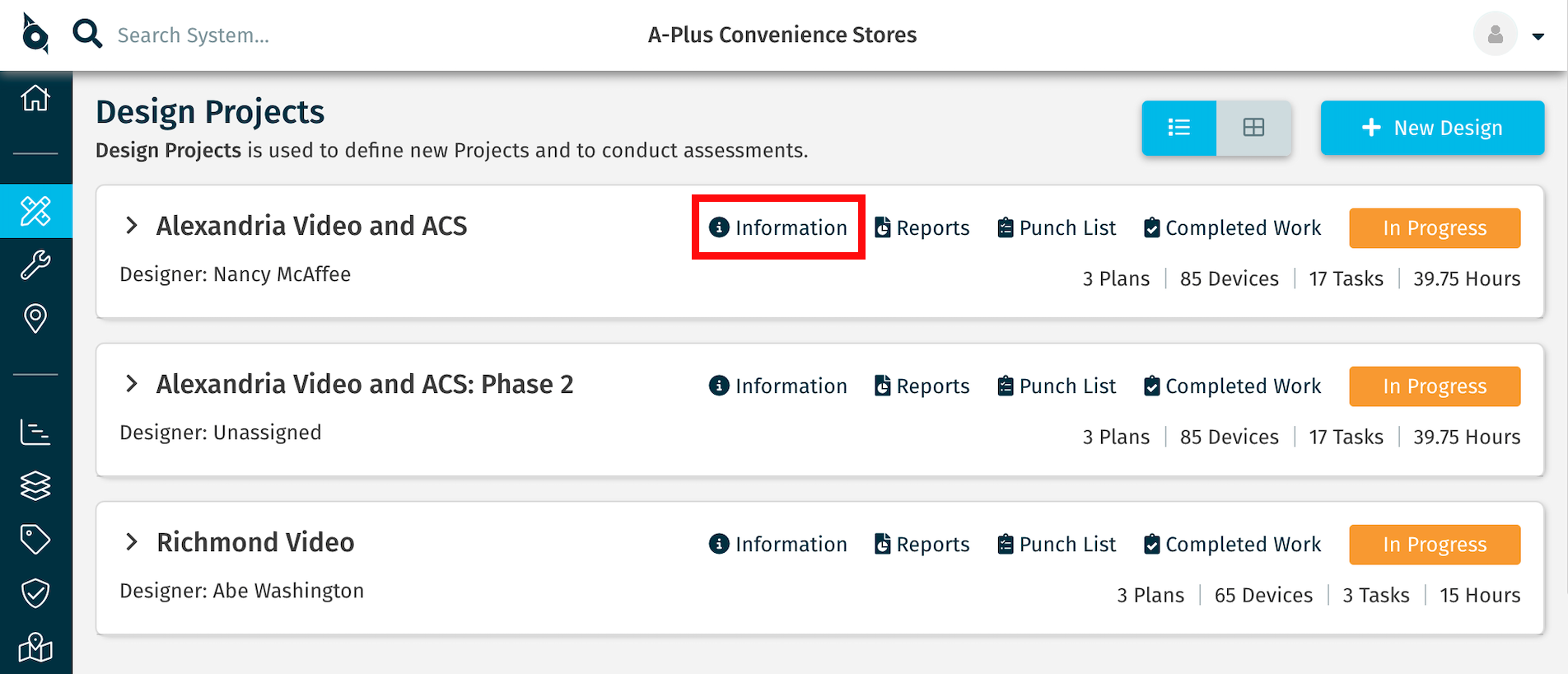
1) To add users, click the Information link on the Project Card.
2) Click the Users tab.
3) A list of the users who currently have access to the Project is displayed. Click the +Add Users button.
4) Click the names of the users you wish to add, then click the + Add Users button to complete the step. Users added will receive an email notifying them that they now have access to the Project.
If you do not see the user you wish to add in the list, ensure the user has been given access to the Account before assigning them to the Project.
Comments
0 comments
Please sign in to leave a comment.